& Construction

Integrated BIM tools, including Revit, AutoCAD, and Civil 3D
& Manufacturing

Professional CAD/CAM tools built on Inventor and AutoCAD
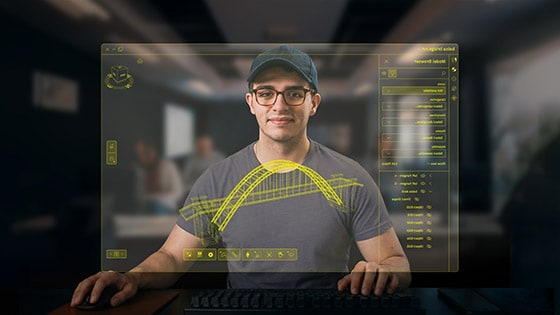
Forma for Construction provides the tools to seamlessly connect teams, data, and workflows throughout every phase of a building project’s lifecycle – from initial design and planning through construction and operations – all with an intuitive, user-friendly interface.
Learn with Build, Takeoff, Design Collaboration and Data Management. Collaborate securely on construction projects from a single login.
Teaching and learning are made easy. Ensure plans and workflows are accurate and accessible in a common data environment.
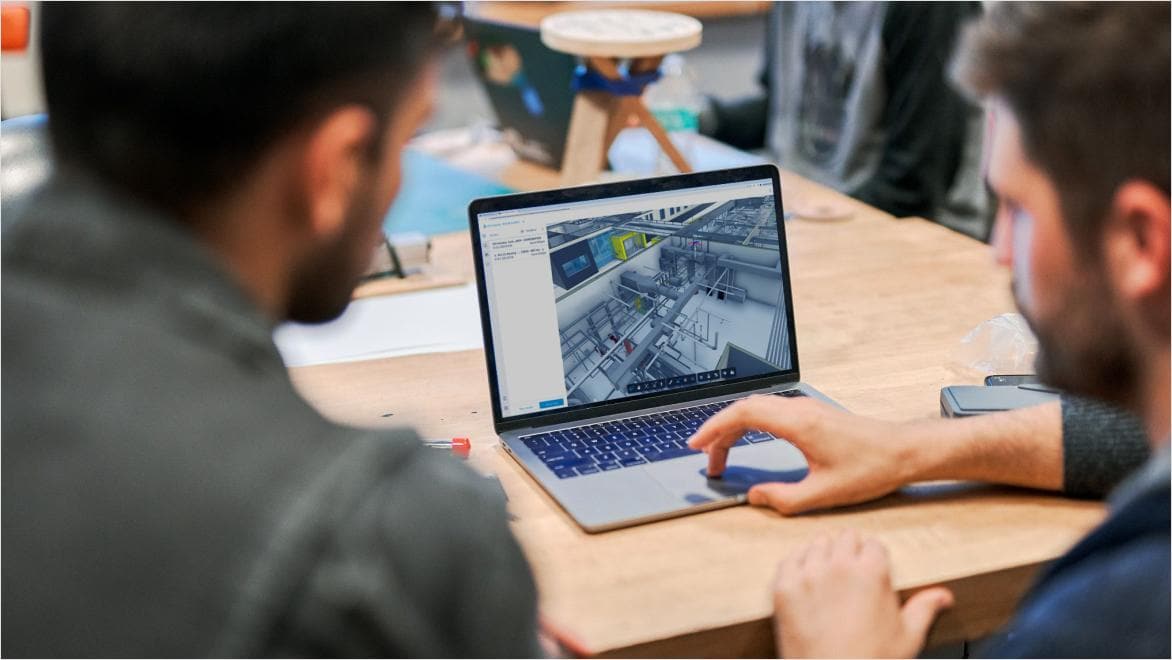
Resolve issues in real time working from the latest sets. Seamlessly connect construction data into actionable information to improve accuracy of students’ team projects.
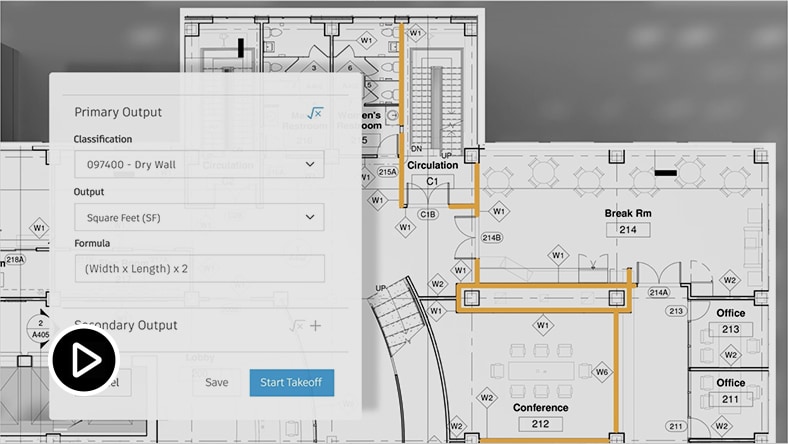
Transition effortlessly between 2D and 3D views for estimating and model coordination.
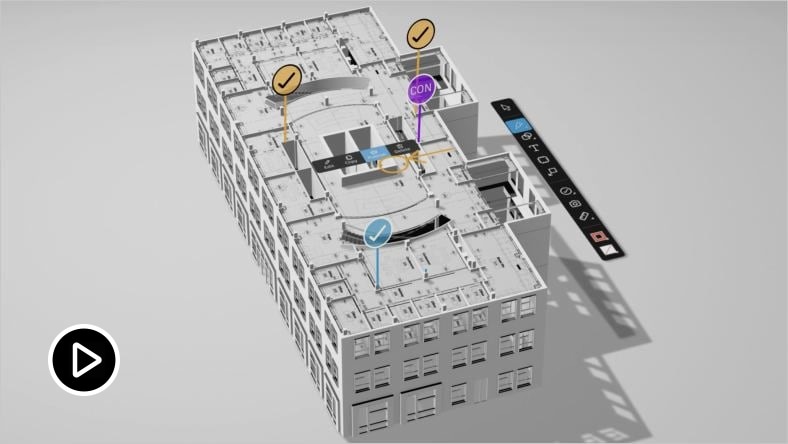
Forma for Construction lets you easily view plans and models, add markups, and provide your feedback.
Easy to learn construction, estimating, model coordination and data management software.
Comprehensive construction management software solution that integrates into courses focusing on scheduling, project management, and field tracking tools to improve student collaboration.
Empowers students to easily generate automated 2D and 3D estimating quantification from a single comprehensive platform, improving collaboration and transparency.
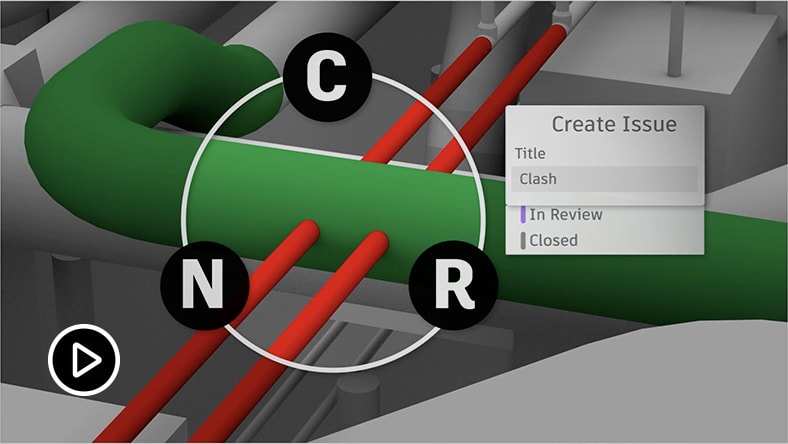
Connects educators and student teams by managing the complete design collaboration and coordination workflow, design reviews, automating model coordination, and improving design quality and constructability.
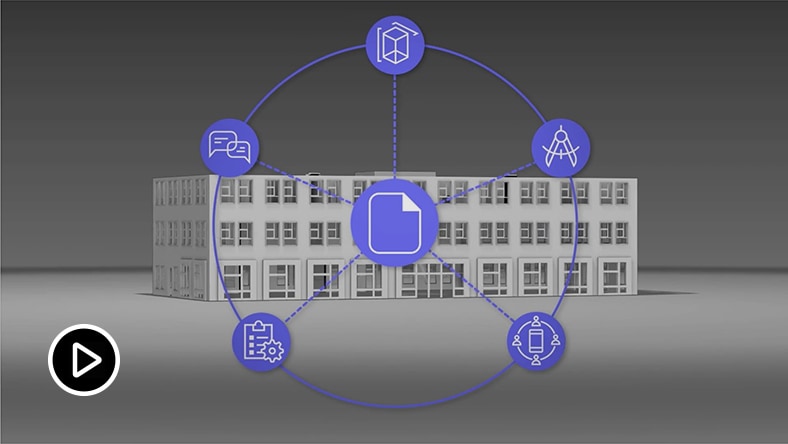
Centralized document management solution that acts as a single source of truth connecting educators and students across the project lifecycle.
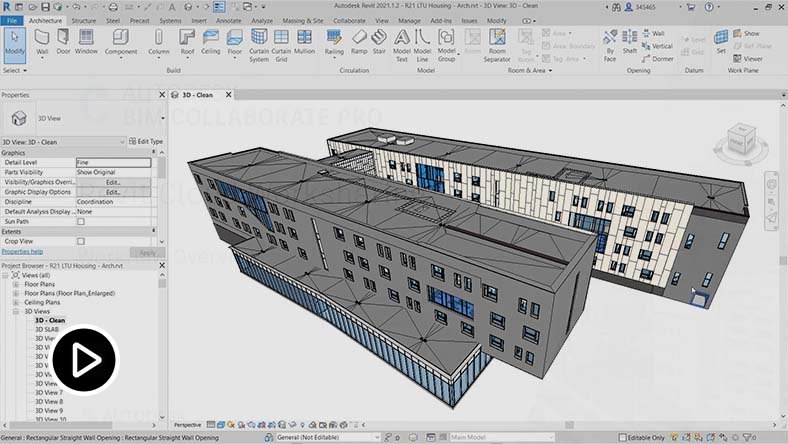
Learn new design methods that enrich collaborative work by co-authoring cloud hosted project models simultaneously in Revit or Civil 3D.
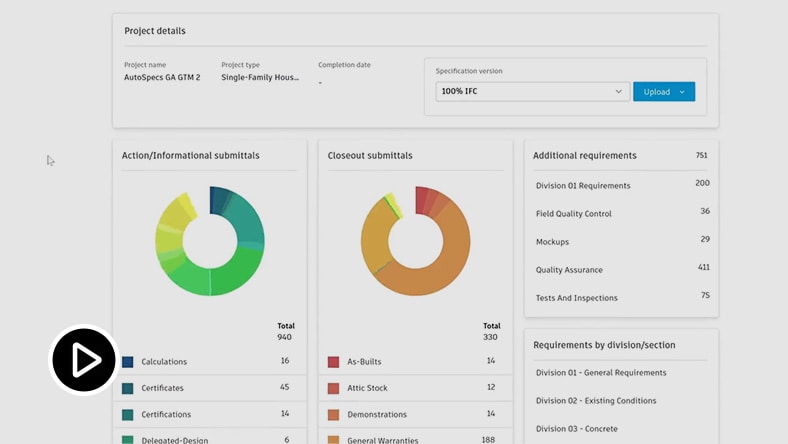
Enable students and educators to quickly create detailed and accurate draft submittal logs to easily publish to both Build and Data Management.
Bring the latest tools and technologies from the construction field into your classroom to inspire your students with lessons that are grounded in real-life skills and scenarios. Available on-demand.
Join Tara Messa, Data Manager at Fortis Construction, and Dr. Jeong Woo, Construction Management Department Head at Cal Poly, San Luis Obispo.
Join Matthew Perez, Director of Digital Practice at MOREgroup, and Jason Seiler, Sr. Business Transformation Manager, and Corey Pomeroy, Sr. Estimator, both of Barton Malow Builders.
Join Will Marinos, Director of Design Technologies at Hazen and Sawyer, and Greg Low, VDC Subject Matter Expert at Autodesk.
Join Christy Steffen, Assistant Director of Gaylor University at Gaylor Electric, and Blake Hurd, Instructional Designer at Gaylor Electric.
Students need to ask for an invite from their educator or school IT administrator to access this product.
Free access for educators at qualified educational institutions.
Free access for school IT administrators at qualified educational institutions.
—HANNU LINDBERG, Construction Technology Corporate Services, DPR Construction
The Forma industry cloud is Autodesk’s AI-native platform for the AECO industry that connects all stakeholders, fragmented workflows, and data into a single, insight-driven environment. This helps support more informed decision-making across planning, design, construction, and operations.
No, Forma is not replacing Autodesk Construction Cloud (ACC). Rather, they are expanding the Forma industry cloud by adding the capabilities of ACC to it. ACC products will be represented as part of the Forma industry cloud brand. ACC’s enterprise controls, infrastructure, and user management will now extend across all of Forma.
No. Current product roadmaps will continue to be delivered as planned. Joining the Forma industry cloud is expected to enable a more seamless experience and accelerate development of new tools.
No. There will be no disruption to how existing customers access or use ACC products. Licensing, subscriptions, files, permissions, folder structures, and current connections will remain intact. Automations, integrations, and APIs will also not be affected, and no data migration is required.
Outside of branding, the mobile app will not change. Functional updates will continue as planned according to the existing roadmap, ensuring ongoing improvements without disruption to the user experience.
The core functionality and layout of the ACC user interface will remain consistent to ensure a smooth experience for existing users. The new Forma branding will be introduced, and UX improvements will continue as part of ongoing product enhancements.
Autodesk Docs is being rebranded to Forma Data Management to better represent the full capabilities of Docs and demonstrate expanded support for both files and granular data within the common data environment that spans planning, design, construction, and operations.
Eligible educators and IT admins can get an Forma for Construction education subscription for their educational institution by visiting Autodesk Education Community and selecting Forma for Construction. You’ll have to confirm your education eligibility if you haven’t already.
Educational institutions have access to Forma for Construction via two subscription options:
Educational access is renewable as long as you are eligible.
To get access to Forma for Construction for your coursework, you will need to be invited by your school (for example by your educator or IT admin).
Educators and IT Admins need to set up an Forma for Construction account for their school, invite students as members, create a project and assign students to the project with the required product subscriptions. Once you’ve completed these steps, students will receive an email invitation to create their own Autodesk account if they do not have one already. From there, students will be able to sign-in and use Forma for Construction.
No. Software and cloud-based services subject to an Educational license or subscription may be used by eligible users solely for Educational Purposes and shall not be used for commercial, professional or any other for-profit purposes.
Forma for Construction is available to eligible education users for free educational use through the Autodesk Education Plan.
Access classroom-ready assets and Forma for Construction curriculum along with on-demand, self-paced courses. Step-by-steps instructions can be also accessed by clicking the “Get Started” tab, viewable on each of the course module pages.
Yes, additional teaching and learning resources by industry and academic courses are available through the Autodesk Educator learning resources.
The Forma for Construction education subscription includes:
To access Revit Cloud Worksharing or Collaboration for Civil 3D for your coursework, you must be invited by your school (e.g. an educator or IT administrator). Follow these steps:
Request an invitation to Forma for Construction and Cloud Worksharing subscriptions from your educator or school IT administrator.
Ensure you have a subscription to the co-authoring tool, either Revit or Civil 3D: you can either request your own subscription or be invited by your educator or school IT administrator.
Make sure the same account email is used for all subscriptions, Forma for Construction, Cloud Worksharing, Revit and/or Civil 3D.
To enable students to use Cloud Worksharing tools for their coursework, make sure they have access to the following:
Co-authoring tools (Revit or Civil 3D): Assign a seat in Autodesk Account.
Cloud Worksharing: Assign a seat in Autodesk Account.
Forma for Construction: Create or access your Forma for Construction hub and follow the steps outlined here.
Have more questions about Cloud Worksharing? Visit Autodesk’s support site here.
Free Autodesk software and/or cloud-based services are subject to acceptance of and compliance with the terms and conditions of the terms of use and/or other terms that accompany such software or cloud-based services. Software and cloud-based services subject to an Educational license or subscription may be used by eligible users solely for Educational Purposes and shall not be used for commercial, professional or any other for-profit purposes.